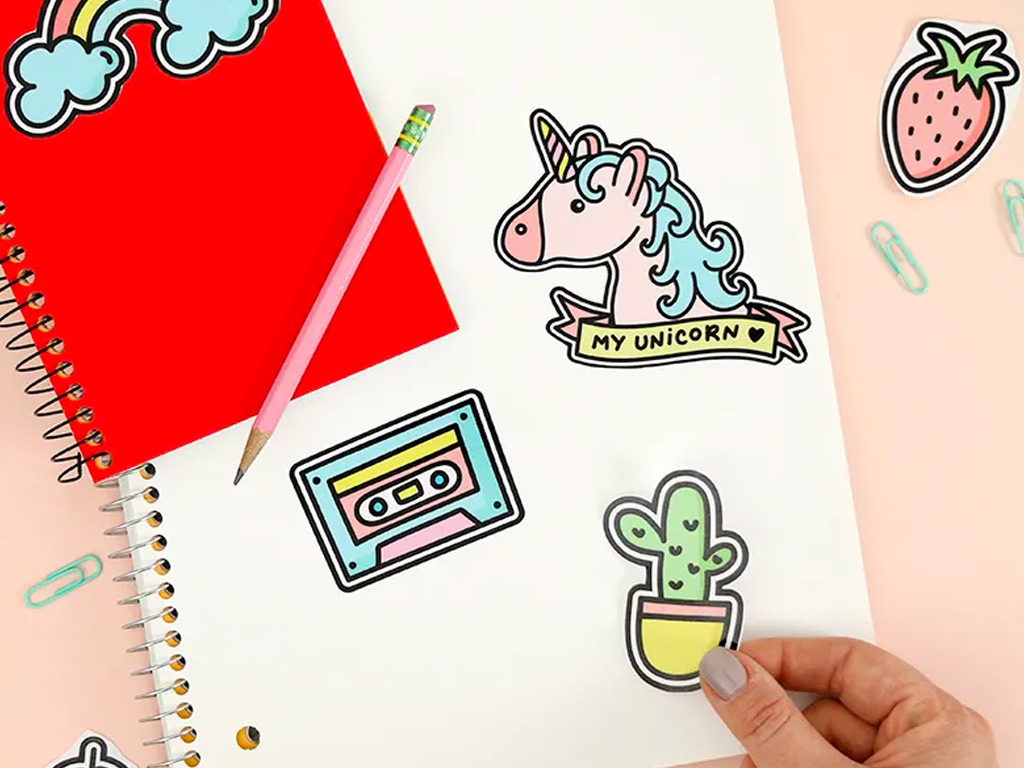
How to make multicolor vinyl decals?
Multicolor decals can add more detail and personality to signs, windows, vehicles, laptops, walls, and other smooth surfaces. Unlike a single-colour design, a multicolor decal usually involves cutting several pieces of adhesive vinyl and layering or assembling them to create one finished graphic.
The process becomes much easier when you prepare the artwork correctly and align each colour before application. Whether you’re making a small craft project or preparing a more detailed design, these steps can help you get a cleaner result.
What You Need to Make a Multicolor Decal
Before you begin, gather:
- Adhesive vinyl in your chosen colours
- Cutting machine or precision craft knife
- Cutting mat
- Computer with design software
- Transfer tape
- Squeegee or application tool
- Weeding tool
- Ruler or alignment guide
- Clean, smooth surface for application
Choose an adhesive vinyl that is appropriate for the surface and intended use. Outdoor projects, for example, may require a material specifically designed for exterior applications.
Step 1: Create Your Design
Start by creating your artwork digitally. Keep each colour as a separate layer or element so that you can cut each section individually.
For example, if your design contains red lettering, a blue outline and a yellow icon, each colour should have its own cut layer.
Before sending the artwork to your cutting machine, check:
- The size of the finished design
- The position of each colour
- Whether small details are large enough to weed
- Whether overlapping sections are intentional
- Whether the design needs registration or alignment marks
A simple design is usually easier to assemble than one with many tiny elements.
Step 2: Separate the Colours
Once your artwork is ready, separate it into individual colour layers.
Each layer will eventually be cut from a different sheet of adhesive vinyl. The pieces need to line up correctly when assembled, so avoid moving or resizing individual layers after they have been separated.
For complex designs, adding temporary registration marks can make alignment easier. These marks help you position the different layers before transferring the finished graphic.
Step 3: Cut Each Layer
Load the first colour into your cutting machine and cut the corresponding layer. Repeat the process for every colour.
If you’re cutting by hand, place the design template over the material and carefully follow the outlines with a suitable craft knife.
Use the correct blade depth and cutting settings for your particular material and machine. The goal is to cut through the vinyl without unnecessarily damaging the backing sheet.
Step 4: Weed the Designs
After cutting, remove the excess material around each part of the design. This process is known as weeding.
A weeding tool can help with small details, corners and enclosed areas.
Work slowly, especially around thin lettering or intricate shapes. Pull unwanted material back at a low angle rather than quickly lifting it straight upward.
Repeat this process for every colour.
Step 5: Align the Different Colours
This is one of the most important parts of making a multicolor decal.
Place the different layers together to check how they will look once assembled. If your design has registration marks, use them to align the pieces accurately.
You can create a small amount of overlap between colours where appropriate. This can help prevent tiny gaps if the layers aren’t positioned perfectly.
For a simple design, you can also assemble the pieces directly on the final surface one colour at a time.
Step 6: Use Transfer Tape
Once the layers are aligned, apply transfer tape over the assembled design.
Press the tape down firmly with a squeegee or similar application tool. Work from the centre outward to reduce the chance of trapped air.
If you’re creating a large or detailed graphic, a stronger application tape may make handling easier. Always follow the manufacturer’s recommendations for the material you’re using.
Step 7: Apply the Decal to the Surface
Clean the application surface before transferring the graphic. It should be free from dust, grease, wax, and other residue.
Position the design carefully before pressing it down.
Once you’re happy with the placement:
- Secure one edge of the graphic.
- Apply it gradually rather than dropping the entire design at once.
- Smooth it down with a squeegee.
- Work from the centre toward the edges.
- Check for bubbles or lifted sections.
- Slowly remove the transfer tape at a low angle.
Do not rush this step. Good surface preparation and controlled application can make a noticeable difference to the finished result.
Can You Make Multicolor Decals Without a Cutting Machine?
Yes. You can cut small designs by hand using a craft knife, scissors, and a printed template.
However, hand cutting becomes difficult when the artwork contains detailed lettering, curves, or multiple layers. A cutting machine can provide more consistent shapes and make repeated designs easier to produce.
For larger quantities or highly detailed graphics, professional production may also be more practical.
What Surfaces Work Best?
Adhesive decals generally work best on clean, smooth surfaces. Depending on the vinyl, suitable applications may include:
- Glass
- Smooth painted surfaces
- Acrylic
- Metal
- Certain plastics
- Vehicle panels
- Signs
- Laptops and other hard surfaces
Always check that the specific vinyl is compatible with the intended surface. Textured, dirty, porous, or heavily curved surfaces can make application more difficult.
How Can You Get Cleaner Multicolor Results?
A few small details can make the assembly process much easier:
Keep the artwork organised
Name your colour layers clearly before cutting. This reduces confusion when working with several pieces.
Test the design first
Make a small sample if you’re working with an unfamiliar material or surface.
Avoid tiny details when possible
Very small pieces can be difficult to weed, align, and transfer.
Clean the surface properly
Dust, grease, and residue can interfere with adhesion.
Take your time with alignment
A small positioning error can become obvious once you layer several colours.
When Should You Use Professionally Made Decals?
DIY production works well for small personal projects, but professional production can be more practical when you need larger graphics, repeated designs, precise lettering or vehicle signage.
A professional printer can also help determine the right material and application method for the intended surface and environment.
If you need professionally produced decals or vehicle graphics, Triboro Printing offers custom lettering and graphic solutions for business and promotional applications.
Conclusion
Making a multicolor decal involves more than simply printing a colourful design onto transfer paper. For layered adhesive graphics, each colour is cut separately, weeded and carefully aligned before the finished design is transferred to the surface.
Good artwork preparation, accurate alignment and proper surface cleaning are the biggest factors in getting a neat result. If the project is large, highly detailed or intended for long-term outdoor use, professional production can save time and reduce application problems.
For custom decals, lettering and vehicle graphics, Triboro Printing can help you choose an appropriate production approach for your project.