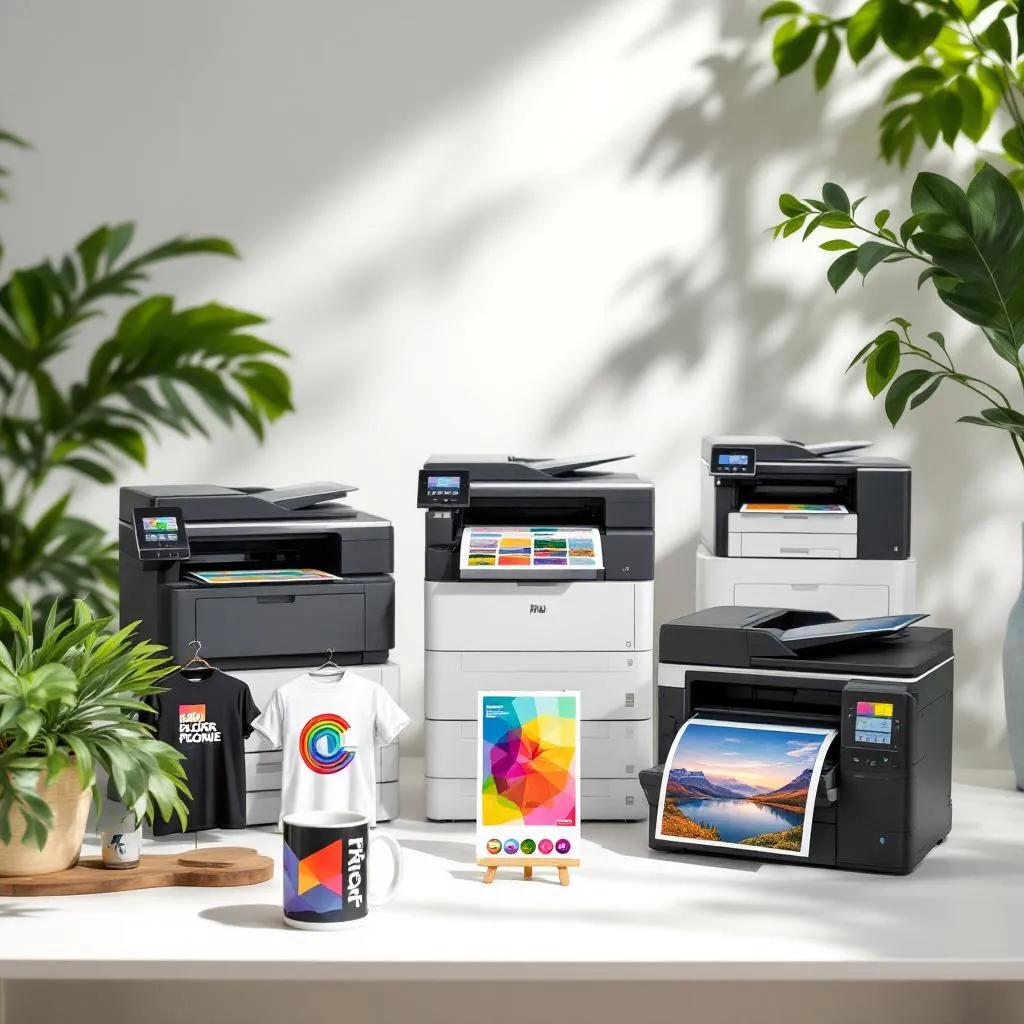
Best Printer for Sublimation: Five Champions Ranked
Choosing a printer for this process depends on more than print quality. Your budget, print size, expected workload, maintenance preferences, and the products you plan to make all affect which machine makes sense.
Some printers come ready for this process, while others involve converting an inkjet printer to use sublimation ink. Dedicated models are easier to set up, while converted machines can offer lower running costs but require more hands-on maintenance.
Here are five options worth considering for different types of transfer work.
Best Options at a Glance
| Printer | Best For | Maximum Paper Size | Setup |
|---|---|---|---|
| Sawgrass SG500 | Beginners and home businesses | Up to 8.5 × 14 in | Ready for sublimation |
| Sawgrass SG1000 | Growing businesses | Up to 11 × 17 in, or 13 × 19 in with bypass tray | Ready for sublimation |
| Epson SureColor F170 | Consistent small-format production | Up to 8.5 in wide | Ready for sublimation |
| Brother SP1 | Crafting and entry-level use | Compact desktop format | Ready for sublimation |
| Epson EcoTank ET-15000, converted | Lower-cost, wider-format printing | Up to 13 × 19 in | Requires conversion |
The best choice depends on what you need the printer to handle, not which model has the highest specifications.
Sawgrass SG500: Best for Beginners
The Sawgrass SG500 is designed specifically for this printing method, making it a straightforward option for people who do not want to convert a standard inkjet printer.
It supports prints up to 8.5 × 14 inches and has a compact footprint that works well in a home studio or small workspace. Sawgrass also offers its own printing software and ink system, which simplifies setup.
Why choose the SG500?
- Purpose-built for sublimation
- Compact desktop design
- Supports up to 8.5 × 14-inch prints
- Designed to work with Sawgrass sublimation inks and software
- Suitable for apparel, mugs, drinkware, and other compatible blanks
The SG500 makes the most sense when ease of use matters more than having the largest possible print area.
Sawgrass SG1000: Best for Larger Designs
The SG1000 is the SG500’s larger sibling. Its main advantage is its print size, not a completely different printing system.
The standard tray handles paper up to 11 × 17 inches, while an optional bypass tray lets you print up to 13 × 19 inches. That makes it more suitable for larger apparel designs, signs, panels, and other products that exceed the SG500’s standard format.
Why choose the SG1000?
- Larger standard print area
- Optional 13 × 19-inch capability
- Purpose-built sublimation hardware
- Useful for businesses producing a wider range of products
- Same general workflow as the SG500
If your designs regularly approach the limits of an 8.5 × 14-inch printer, moving up to the SG1000 can save you from working around those restrictions.
Epson SureColor F170: Best for a Turnkey Epson Setup
The Epson SureColor F170 is another dedicated dye-sublimation printer aimed at users who want a ready-to-use system.
It uses Epson’s T49M dye-sublimation inks and PrecisionCore printhead technology. Epson lists a maximum print resolution of 1200 × 600 dpi, a 150-sheet automatic feed tray, and support for transfer media up to 8.5 inches wide.
The F170 is designed for applications such as personalized awards, mugs, mousepads, and other soft and rigid products.
Why choose the F170?
- No conversion required
- Genuine Epson sublimation ink
- Automatic paper feeding
- Compact design
- Suitable for both soft and rigid substrates
It is a strong option for users who want a dedicated Epson workflow without dealing with the conversion process associated with EcoTank models.
4. Brother SP1: Best for Simple Craft Projects
The Brother SP1 is another purpose-built printer aimed at makers, artists, and small-scale creators.
Brother includes four 47 ml CMYK ink cartridges and transfer paper. The SP1 also works with Brother’s Artspira app, which allows users to create or edit designs on a mobile device and send them to the printer wirelessly.
The printer works with polyester products and polymer-coated items such as shirts, tote bags, mugs, and coasters.
Why choose the SP1?
- Ready-to-use sublimation system
- Compact footprint
- Includes starter ink and paper
- Wireless connection with Artspira
- Two-year limited warranty and replacement service
The SP1 is worth considering if you mainly make personalized craft products rather than run a high-volume production operation.
5. Converted Epson EcoTank ET-15000: Best for Wide-Format Flexibility
The Epson EcoTank ET-15000 is not a dedicated sublimation printer. It is an office all-in-one that can handle media up to 13 × 19 inches through its rear feed. To use it for sublimation, you need to switch to compatible sublimation ink.
That extra flexibility is the main reason people consider this type of setup.
However, conversion adds another layer of responsibility. You need compatible ink, an appropriate color-management workflow, and adherence to the ink supplier’s maintenance recommendations. Epson recommends genuine Epson ink and warns that non-genuine ink can cause damage not covered by its limited warranty.
Why choose a converted ET-15000?
- Supports media up to 13 × 19 inches
- Offers printing, scanning, and copying
- Can be attractive for users who prioritize wide-format capability
- Uses refillable ink tanks rather than cartridges
The trade-off is that you take on the additional maintenance and compatibility considerations that come with conversion.
Dedicated vs. Converted Printers
Dedicated printers such as the SG500, SG1000, F170, and Brother SP1 are designed around this process from the beginning. Their ink systems, software, and hardware are intended for that purpose.
Converted printers start life as standard inkjet machines. After conversion, they require sublimation ink and a workflow suited to that ink. They offer useful flexibility, but they aren’t as simple as a purpose-built machine.
For a first printer, a dedicated model is generally easier to manage. A converted setup may make more sense for someone who understands the maintenance involved and specifically wants the capabilities of a model such as the ET-15000.
What Should You Look for in a Sublimation Printer?
Instead of focusing on one specification, consider these five questions:
What will you print?
Mugs, coasters, mousepads, and smaller apparel designs do not require the same paper size as larger clothing graphics or panels.
How much space do you have?
A compact printer can be more practical for a home setup, while a larger-format machine needs additional room for paper handling and supplies.
How much maintenance can you handle?
A dedicated machine reduces setup complexity. A converted printer requires more user involvement.
What is your expected production volume?
A hobbyist printing occasionally has different requirements from a business producing orders every day. Consider ink capacity, paper handling, maintenance, and support, not just the initial printer price.
Do you need more than sublimation?
A converted all-in-one such as the ET-15000 also provides standard office functions. A dedicated sublimation printer, on the other hand, keeps the workflow focused on transfer printing.
How to Choose the Right Sublimation Printer
Choose the Sawgrass SG500 if you want a compact, purpose-built machine for smaller designs and a straightforward workflow.
Choose the Sawgrass SG1000 if larger prints are a regular part of your business and you want a dedicated sublimation system.
Choose the Epson SureColor F170 if you prefer Epson’s turnkey dye-sublimation setup and mainly work within its compact format.
Choose the Brother SP1 if you focus on personalized craft projects and want a simple system with mobile design integration.
Consider a converted Epson EcoTank ET-15000 if 13 × 19-inch media and multifunction printing matter more than a dedicated sublimation platform.
Common Sublimation Printing Mistakes to Avoid
Buying the printer is only one part of getting good results. Several avoidable mistakes can affect the finished transfer.
- Using the wrong ink: Sublimation requires compatible dye-sublimation ink.
- Ignoring color management: Your printer, ink, paper, and software settings need to work together.
- Choosing the wrong substrate: Sublimation works best with polyester or specially coated products designed for the process.
- Skipping test prints: Always test a new paper, blank, or ink combination before producing a full order.
- Choosing a printer that is too small: If your designs regularly exceed the printer’s supported media size, you will quickly run into limitations.
Conclusion
Choosing the right sublimation printer depends on your print size, workload, budget, and how much control you want over the printing process. Dedicated models such as the Sawgrass SG500, SG1000, Epson SureColor F170, and Brother SP1 offer purpose-built features, while a converted EcoTank can work for users who are comfortable managing a more hands-on setup.
If you need professional printing beyond sublimation, Triboro Printing offers a range of solutions for businesses, events, signage, and promotional materials. Contact the team to discuss your project and find the right printing option for your needs.
FAQs
A: A purpose-built model such as the Sawgrass SG500, Epson SureColor F170, or Brother SP1 can be easier for beginners because it does not require converting a standard inkjet printer.
A: Not necessarily. A converted EcoTank can offer wider media support and flexibility, but it requires more setup and maintenance. Dedicated printers are generally simpler to manage.
A: Traditional dye sublimation works best on polyester or specially coated substrates. It does not work the same way as standard garment printing on untreated cotton. Some systems use different technologies or transfer methods for natural fabrics, so check the specific printer and ink system before purchasing.