
Same-Day Printing in a Rush: How to Plan, Submit, and Get Quality Prints Fast
Deadlines don’t send calendar invites. Whether it’s a last-minute pitch deck for a dream client, forgotten event banners, or a trade-show emergency, sometimes you need flawless prints in hours — not days. Good news: same-day printing has never been better or more accessible. Here’s your battle-tested playbook to pull it off without sacrificing quality.
Why Same-Day Printing Is Possible (and Getting Better)
Modern digital presses, automated workflows, and local print shops with extended hours have shrunk turnaround times dramatically. In most major cities (NYC, LA, Chicago, Miami, etc.), reputable printers now offer true same-day service on everything from business cards to posters — if you play by their rules.
Step 1: Know Realistic Same-Day Capabilities
Not everything can be rushed. Here’s what most pro shops can actually deliver same-day (morning files → afternoon pickup/delivery):
| Product | Typical Cut-Off Time | Max Quantity (same-day) | Notes |
| Business cards | 11 AM | 1,000 | Matte, gloss, spot UV OK |
| Flyers / postcards | 12 PM | 5,000 | Single or double-sided |
| Brochures (folded) | 11 AM | 2,000 | Simple folds only |
| Posters (up to 24×36) | 12 PM | 100 | Matte or satin |
| Foam board signs | 12 PM | 50 | Mounted, no lamination |
| Retractable banners | 10 AM | 10 | Standard sizes only |
| Stickers / labels | 11 AM | 2,000 | Die-cut adds 1 day |
| Booklets | Usually next-day | — | Binding takes time |
Anything involving specialty finishes (foil, embossing, die-cutting, thick stocks (>14 pt), or lamination almost always pushes to next-day.
Step 2: Prep Your Files Like a Pro (The #1 Reason Jobs Get Delayed)
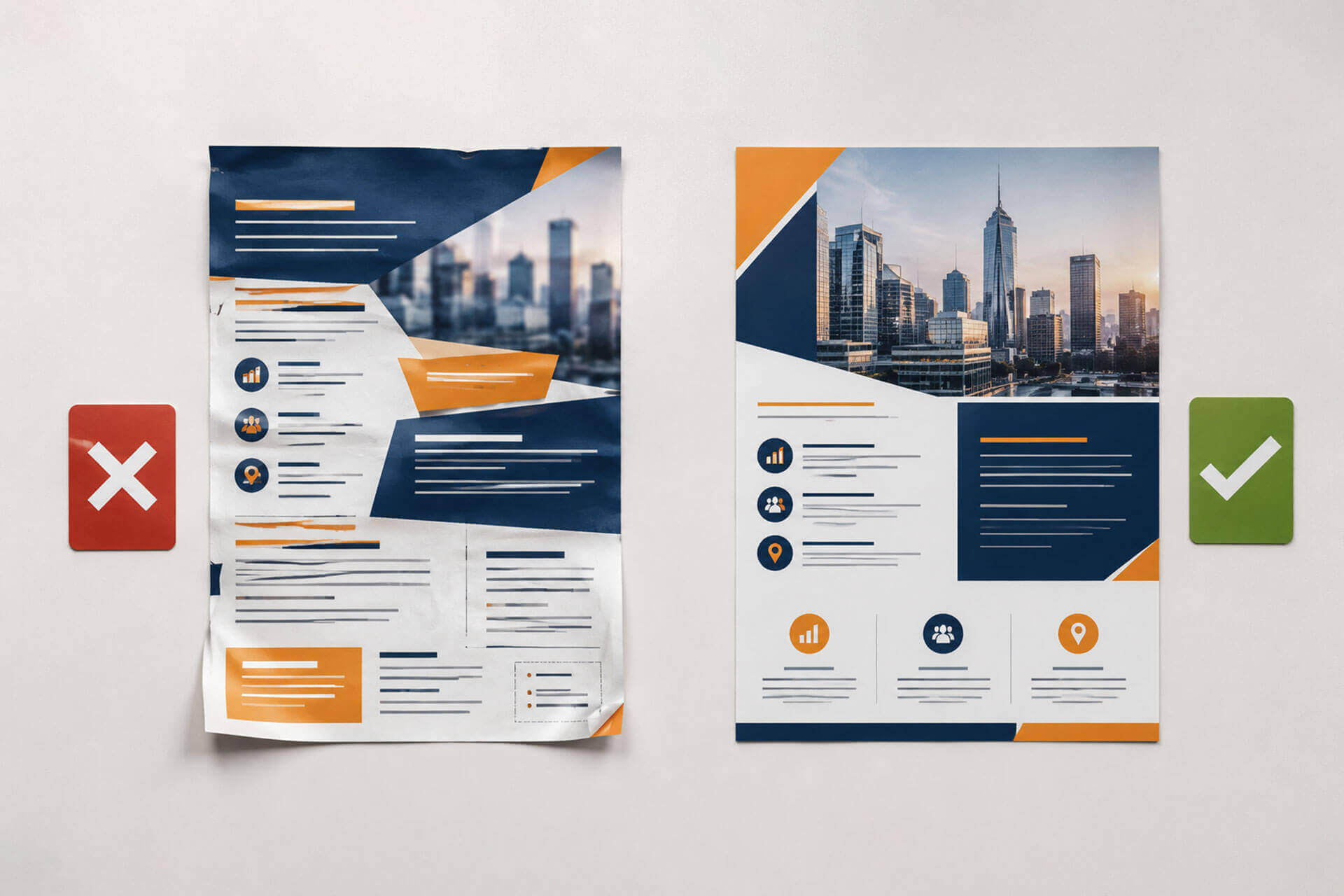
90 % of same-day delays are caused by bad files. Avoid heartbreak:
- Use print-ready PDFs (PDF/X-4 preferred)
- Embed all fonts or outline text
- Images at 300 dpi at final size
- Include 0.125″ bleed on all sides and keep text 0.25″ inside trim
- Convert everything to CMYK (no RGB or spot colors unless you confirmed they can match)
- Name files clearly: ProjectName_Qty_Size_Date.pdf
- Double-check orientation and page order
Pro move: Download the exact template from your printer’s website — it removes 99 % of issues.
Step 3: Choose the Right Rush Partner
Look for These Green Flags
- Online instant pricing & file upload with live proof preview
- Physical location you can walk into (critical for true emergencies)
- Hours posted past 6 PM (many NYC shops stay open until 8–10 PM)
- Live chat or phone answered immediately
- Guaranteed pickup times listed on site
- Reviews mentioning “saved my event last minute”
Red flags: “We’ll try our best” language, no cut-off times listed, only email contact.
Step 4: The Perfect Same-Day Timeline
8:00 AM – Finalize design and export print-ready PDF
8:30 AM – Upload files + place order online or call to confirm rush slot
9:00 AM – Receive and approve instant soft proof
12:00–2:00 PM – Production (this is when the magic happens)
3:00–7:00 PM – Pickup or same-day delivery (most cities offer 2-hour courier windows)
Add 1–2 hours buffer if you’re new to the shop.

Bonus Hacks from Serial Last-Minute Printers
- Build a relationship: Shops often bump loyal clients to the front of the rush queue.
- Keep a “print emergency” folder with your logo, brand colors, and common templates ready to go.
- Save your favorite shop’s number as “PRINT 911” in your phone.
- Tip: Ask for “first-off-the-press” proof sheet — catch errors before the full run.
Real-Life Save of the Week
Last month a Midtown startup realized at 9 AM that their investor decks were wrong. They uploaded corrected PDFs to a Tribeca printer by 9:30 AM, approved proofs at 10:15 AM, and had 200 perfect 14 pt silk-laminated booklets in hand by 4 PM — just in time for the 6 PM pitch. Deal closed.
Deadlines forgiven.
Crises happen. With the right prep and the right partner, same-day printing doesn’t have to mean compromised quality. Save this guide, bookmark a reliable local printer, and breathe easy next time the clock is against you.